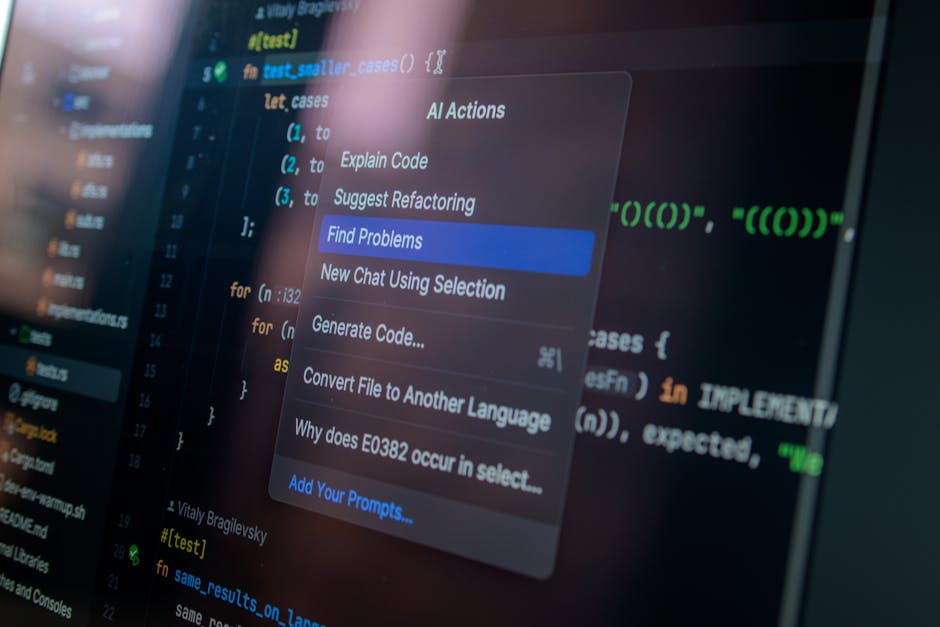
The Rise of Vibe Coding: Why it’s the Future of Development
The explosion of interest in vibe coding isn’t just a flash in the pan; it represents a fundamental shift in how humans interact with machines. When searches for the term spiked by 6,700% in early 2025, it signaled that the barrier to entry for software creation had finally collapsed. We are moving toward a world where “citizen developers” — people with great ideas but no formal CS degree — will outnumber professional developers by a staggering 4 to 1.
This movement is fueled by the desire for rapid prototyping and creative immersion. Instead of getting bogged down in the “how” (syntax, semicolons, and library dependencies), builders can focus on the “what” and the “why.” This is what we call the “vibe state.” It’s that feeling of being totally in the zone, where your thoughts move faster than your hands ever could on a keyboard.
According to recent data, the no-code and low-code market is expected to generate $187 billion by 2030. But vibe coding is slightly different from traditional “no-code” tools. While no-code often limits you to pre-built blocks, vibe coding uses natural language to generate actual, functional source code. Tools like those found at Vibe Coding – AI Code Generation Tool | Transform Ideas into Code allow users to transform abstract thoughts into runnable scripts instantly.
The impact is already visible in the startup world. In 2025, nearly 25% of Y Combinator’s batch founders reported building 95% of their initial codebases using AI. If you want to dive deeper into how this changes the day-to-day life of a builder, check out our guide on AI coding tools for vibe coding.

Top 10 AI Tools for Vibe Coding in 2026
Choosing the right ai tools for vibe coding is like picking the right vehicle for a trip. You wouldn’t take a Formula 1 car to the grocery store, and you wouldn’t take a golf cart on a highway. Below is our curated list of the top contenders that pass the “vibe check” in 2026.
| Category | Top Tools | Key Strength |
|---|---|---|
| IDE-Based (Forks) | Cursor, Windsurf | Full codebase context and deep integration. |
| Browser-Based | Bolt.new, Replit, Lovable | Zero setup; one-click deployment. |
| UI/Design Focused | v0, Figma Make | Turning visual prompts into clean frontend code. |
| Agentic/Terminal | Claude Code, Aider | High-speed, autonomous task completion. |
For those looking to build from scratch, Vibe Coder — Build Anything with AI offers a “prompt-to-live” experience that routes your requests through the best available models like Claude 3.5 Sonnet or GPT-5. If you’re looking for something that fits into your existing VS Code workflow, you might want to explore Best Cursor Alternatives for Remote Developers in 2026.
Beginner-Friendly AI Tools for Vibe Coding
If you have zero coding experience, the “blank page” of a traditional code editor can be terrifying. That’s where browser-based, “all-in-one” platforms shine. These tools handle the hosting, the servers, and the file structure for you.
- Replit Agent: Replit has long been the king of browser-based coding, and their Agent is a masterpiece for beginners. It doesn’t just write code; it plans the project, sets up the database, and deploys the app to a live URL. Research shows that 75% of Replit users never actually write a line of code themselves — they just guide the Agent.
- Lovable: This tool is a favorite for non-technical founders. It focuses on “full-stack” generation with a heavy emphasis on visual editing. If you need an app with authentication (logins) and payments (Stripe integration) but don’t know what a “POST request” is, Lovable is your best bet.
- Bolt.new: Known for its incredible speed, Bolt.new can often generate a functional prototype in under 15 seconds. It’s perfect for those who want to see their ideas come to life instantly without any local environment setup.
To see a full breakdown of these “plug-and-play” options, visit our Vibe Coding Tools AI-Powered Arsenal.
Advanced AI Tools for Vibe Coding and Power Users
For developers who understand the logic but want to skip the “boilerplate” typing, IDE-based tools are the gold standard. These tools live where your code lives.
- Cursor: Currently adopted by 7 million developers and Fortune 1000 companies, Cursor is a fork of VS Code that treats AI as a first-class citizen. Its “Composer” feature allows for cross-file refactoring, meaning it can update your frontend, backend, and CSS all at once based on a single prompt.
- Claude Code: This is a terminal-based agent that is “holy cow” levels of smart. It’s built by Anthropic and excels at complex logic and debugging. It’s less about “pretty UI” and more about “make this logic work.”
- Windsurf: Often called Cursor’s “cheeky younger sibling,” Windsurf offers a native-feeling AI experience with a slightly lighter resource footprint. It’s excellent for those who find Cursor a bit too heavy on their RAM.
- VibeCode: If you prefer to stay in the standard VS Code ecosystem rather than using a fork, Vibe Code — AI-Powered VS Code Extension is a high-performance, privacy-focused extension that brings AI intelligence directly into your existing editor.
When comparing the giants, our Cursor vs Copilot guide helps you decide if you need a “pair programmer” or an “autonomous agent.”

Choosing Your Stack: Reliability, Privacy, and Pricing
When you’re “vibe coding,” it’s easy to get swept up in the excitement and forget about the boring stuff: data privacy and costs.
Privacy and Data Retention For sensitive projects, you must check the tool’s privacy policy. Many browser-based tools may use your prompts to train future models unless you opt-out or pay for a “Pro” tier. IDEs like Cursor offer a SOC 2-certified “Privacy Mode” where your code never leaves your machine for training purposes. If you’re building for macOS, Vibe Mode — Lightning Fast Vibe IDE for macOS is built from the bare metal with privacy and local inference in mind.
Pricing Models There are two main ways to pay for these tools:
- Subscription: You pay $20-$40 a month (like Cursor Pro or Lovable) for “unlimited” usage. This is best for most users because it offers predictable costs.
- API Access: You pay for what you use (tokens). This is great for power users who want to use the latest models (like Claude 3.5 or GPT-5) and only pay for their actual consumption.
Documentation and Testing As your AI-generated app grows, keeping track of what the AI actually did becomes a challenge. Using the Best AI Tools for Code Documentation ensures that your “vibe-coded” project remains maintainable for months to come, rather than becoming a tangled web of technical debt.
Performance Benchmarks: Execution, Iteration, and Deployment
How do these tools actually perform when the rubber meets the road? Real-world testing reveals a gap between marketing hype and reality.
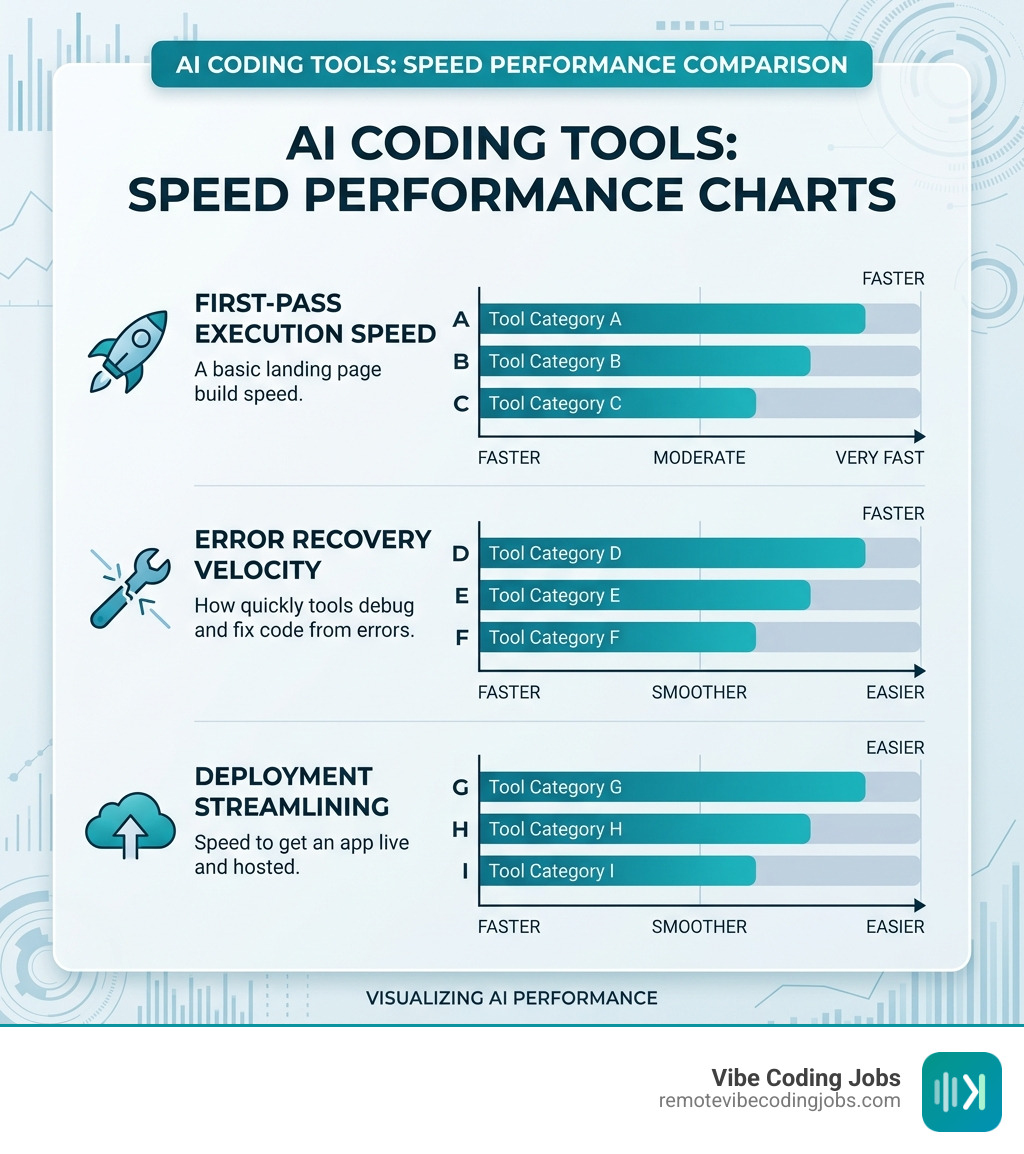
- First-Pass Execution: Browser-based tools like Bolt.new and Vibe Coder often win here. They can get a “hello world” or a basic landing page up in seconds.
- Error Recovery: This is where many tools struggle. Only about 2.7% of professional developers “highly trust” AI to write perfect code on the first try. When the “vibe” breaks and an error appears, tools like Cursor and Claude Code are far superior at debugging because they have full context of your entire project.
- Deployment Ease: Replit and Lovable are the clear winners for deployment. They offer “one-click” hosting, whereas IDE-based tools require you to know a bit about GitHub or Vercel to get your app live.
In our internal tests, we found that while “vibe coding” is 10x faster for building the initial UI, it can lead to technical debt if you don’t provide human oversight. As one tester put it, “Cursor is like a Formula 1 car — it’s amazing if you know how to steer, but if you don’t, you’ll hit a wall at 200mph.” Check our list of Must-Have Vibe Coding Tools for a deeper dive into performance metrics.
Can complete beginners build full-stack apps with these tools?
Yes, but with caveats. A beginner can build a functional “Todo List,” a “Personal Budget Tracker,” or a “Weather App” in about 30 minutes. However, building a secure, scalable SaaS (Software as a Service) still requires an understanding of how data flows. The tools are getting better at “guardrailing” beginners, but you should always perform a final review for security.
Which tools are best for frontend UI prototyping versus backend logic?
For frontend and UI, v0 by Vercel and Figma Make are unbeatable. They generate clean, production-ready React and Tailwind CSS code. For backend logic (databases, APIs, and server-side processing), Replit Agent and Claude Code are the heavy hitters.
How do privacy policies differ between browser-based and local IDE tools?
Local IDEs (Cursor, Windsurf, VibeCode) generally offer better privacy because they can process code locally or via encrypted channels with “Zero Data Retention” (ZDR) policies. Browser-based tools (Bolt, Lovable) are “cloud-first,” meaning your code lives on their servers, which is convenient for collaboration but requires more trust in their data handling practices.
Conclusion
The era of the “vibe coder” is here. We are moving away from a world where coding is a gatekept secret and toward a future where anyone with a clear vision can build software. Whether you’re using a terminal-based agent for deep logic or a design-to-code tool for a beautiful UI, the ai tools for vibe coding available in 2026 are more powerful than ever.
At RemoteVibeCodingJobs, we believe that this technology isn’t replacing developers — it’s amplifying them. It allows us to work at the speed of thought, focusing on the “vibes” of the product rather than the frustration of the syntax. This is especially true for remote, async-first companies that value output and creativity over hours spent at a desk.
If you’ve mastered these tools and are ready to put your skills to work, we invite you to Find remote vibe coding jobs on our platform. We curate daily listings from companies that don’t just “tolerate” AI tools — they demand them.
Ready to join the revolution? Start building, keep the vibe alive, and let’s shape the future of development together.