The only AI developer tools you actually need
The Best AI Developer Tools Have Changed Everything (Here’s What Actually Works in 2026)
The best AI developer tools in 2026 have moved far beyond simple autocomplete. Here’s a quick overview of the top picks by category:
| Tool | Category | Best For | Free Tier |
|---|---|---|---|
| Cursor | AI-Native IDE | Agentic multi-file editing | 2,000 completions + 50 requests |
| GitHub Copilot | IDE Extension | Multi-IDE teams, enterprise | 2,000 completions/month |
| Claude Code | Terminal Agent | Autonomous CLI workflows | Via Claude subscription |
| Aider | Terminal Agent | Open-source, Git-centric coding | Free (BYOK) |
| Windsurf | AI-Native IDE | Intent-aware autocomplete | Limited free tier |
| Bolt.new | App Builder | Full-stack rapid prototyping | 150K daily tokens |
| v0 by Vercel | UI Generator | React/Next.js components | Limited free tier |
| OpenHands | Autonomous Agent | End-to-end task execution | Open-source |
| Devin | Autonomous Agent | Complex autonomous engineering | Paid |
| OpenAI Codex | Coding Agent | Multi-agent parallel workflows | Via ChatGPT plans |
Not long ago, the biggest question in developer tooling was “which autocomplete extension should I install?” That question feels almost quaint now.
In 2026, AI tools don’t just finish your lines of code. They plan features, edit files across your entire repo, run terminal commands, open pull requests, and monitor CI/CD pipelines — often without you asking twice.
The shift is real. The jamesmurdza/awesome-ai-devtools repository has grown to over 3,700 stars and 160 contributors, tracking a landscape that barely existed three years ago. Tools like OpenHands have crossed 50,000 GitHub stars. Aider hit 25,000+. These aren’t niche experiments anymore.
But more tools doesn’t mean easier choices. If anything, the explosion of options makes it harder to know what’s worth your time and money.
This guide cuts through the noise.
We cover AI-native IDEs, terminal agents, autonomous coding systems, web-based app builders, and specialized utilities — with honest notes on pricing, free tiers, and where each tool actually shines.
About the author: This guide was researched and written by the RVCJ Editorial team at Remote Vibe Coding Jobs, who cover the best AI developer tools for engineers building with Cursor, Claude, Copilot, Windsurf, and Replit across async-first remote teams. We track these tools daily so you can make faster, smarter decisions about your stack.
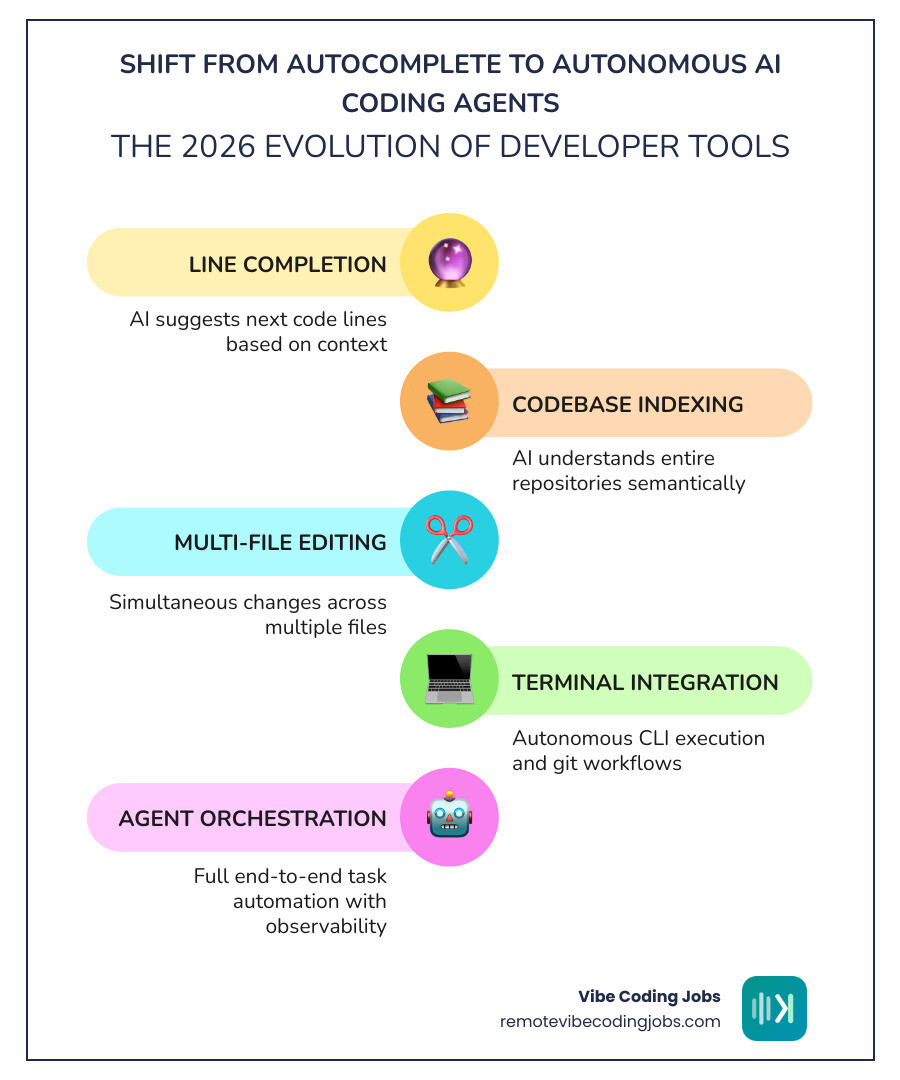
The Rise of AI-Native IDEs vs. Traditional Extensions
For years, we simply added plugins to VS Code or JetBrains. But in 2026, the community has largely split into two camps: those using AI-native IDEs and those sticking with traditional extensions.
AI-native IDEs like Cursor, Windsurf, and Zed aren’t just editors with a chat sidebar; they are built from the ground up to let the AI “see” everything. Cursor, for example, is a fork of VSCodium, which allows it to integrate AI features directly into the core interface. This enables the “Composer” feature, where the AI can edit multiple files simultaneously based on a single prompt.
On the other hand, traditional extensions like GitHub Copilot remain incredibly popular because they work where you already are. Copilot has evolved significantly, now supporting model switching between GPT-4o, Claude 3.5/3.7, and Gemini 2.0. However, because it’s an extension, it often lacks the deep, editor-level hooks that make AI-native tools feel so “magical.”
If you’re looking for the best AI developer tools to maximize your productivity, you should check out our deep dive on Best Cursor Alternatives or explore the Top AI Code Completion Tools for VSCode.
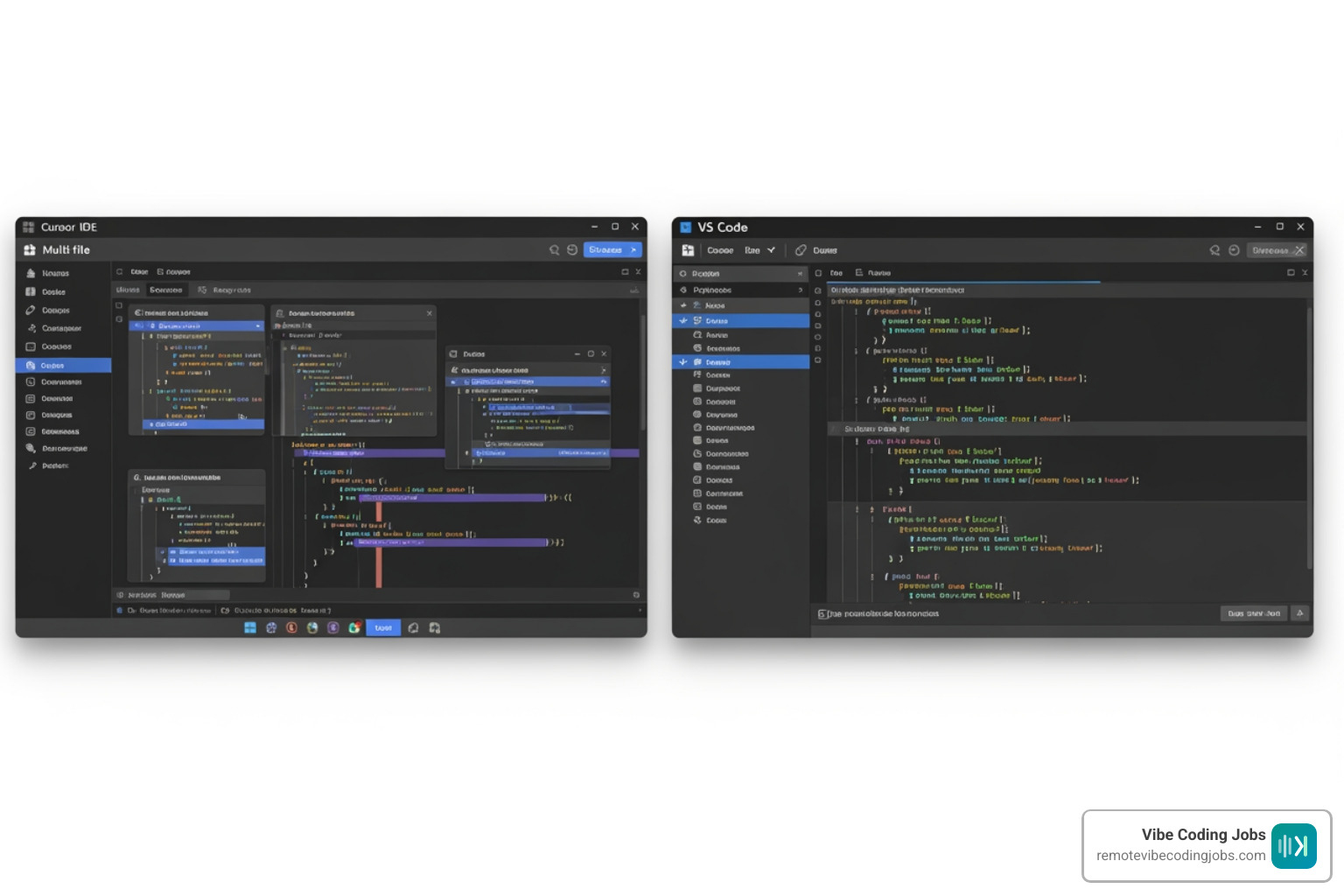
Deep Context and Codebase Intelligence
The secret sauce of any great 2026 coding tool is context. It doesn’t matter how smart the LLM is if it doesn’t know that your AuthService is located in src/lib/auth.ts.
Tools like Cursor: The best way to code with AI use codebase indexing to build a semantic map of your project. This allows for semantic search—you can ask “where are the menu label colors defined?” and the AI finds the exact CSS variable or Tailwind config file, even in a repo with 400,000+ files.
We’ve also seen the rise of the Model Context Protocol (MCP), a standard that allows these tools to connect to external data sources like Slack, Linear, or GitHub issues directly. This ensures that when you’re coding, the AI knows the “why” behind the ticket, not just the “how” of the syntax. For a broader look at this ecosystem, see our guide on the Best AI Tools for Coding.
Comparing Agentic Editors to Autocomplete
We’ve moved past the “Ghost Text” era of simple autocomplete. Modern tools offer what Windsurf calls “Super Complete”—the ability to predict not just the next word, but your entire intent across the file.
The difference is “Agentic” behavior. In an agentic workflow, you might give a prompt like “Add a delete button to the user profile and ensure it calls the API and updates the local state.” An agentic editor doesn’t just give you a snippet; it opens the React component, adds the button, navigates to the API route file to check the endpoint, and updates the Redux or Zustand store. This is the heart of what we call Vibe Coding Tools — the ability to build at the speed of thought.
Best AI developer tools for Terminal and CLI Workflows
Not every developer wants to live in a GUI. For those who prefer the command line, 2026 has delivered some of the most powerful best AI developer tools in the form of terminal agents.
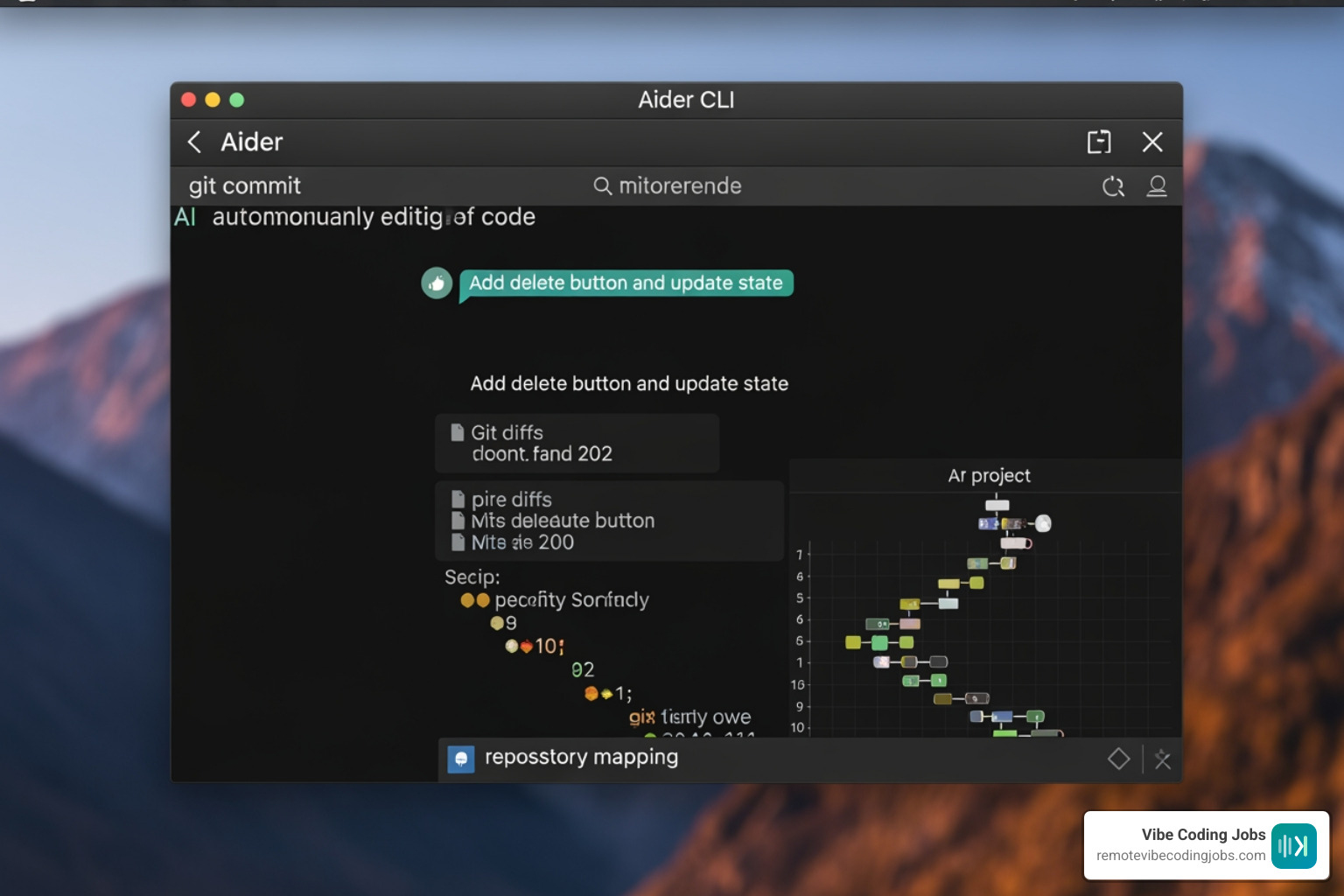
Aider is the undisputed heavyweight here. It’s a Git-centric CLI tool that allows you to chat with your codebase. What makes Aider special is its “repo mapping” feature, which uses tree-sitter to provide the LLM with a condensed map of your entire repository. It even creates local commits with descriptive messages for every change it makes, allowing you to undo or iterate with ease.
Then there is Claude Code, Anthropic’s official CLI tool. It’s designed for deep reasoning and can execute shell commands, run tests, and fix bugs autonomously. For remote developers, this is a game-changer. You can find more details on our Claude Code Tool Page or read our Best Claude Code for Remote Developers.
Autonomous CLI Utilities
Beyond the big names, a wave of specialized CLI utilities has emerged. OpenHands (formerly OpenDevin) allows you to run an autonomous agent in your terminal that can handle multi-step tasks like API design and testing. These tools are perfect for “Vibe Coders” who want to orchestrate high-level changes without manually clicking through folders. Explore more AI Coding Tools for Vibe Coders to see how these fit into a modern workflow.
Why Terminal-First Agents are Winning in 2026
Why use a terminal agent when you have Cursor? Two words: Headless execution. Terminal agents can be integrated into CI/CD pipelines, run on remote servers via SSH, and handle complex refactors that require running actual shell commands (like npm install or grep). They offer a level of “context depth” that GUI tools sometimes struggle with. For a list of essentials, check out Must-Have AI Tools for Vibe Coding.
Autonomous Coding Agents and Multi-Agent Orchestration
The “Holy Grail” of 2026 is the fully autonomous software engineer. While we aren’t quite at the point of replacing humans, tools like Devin, OpenHands, and GPT-Pilot are getting remarkably close to handling entire Jira tickets solo.
Devin, recognized as the first fully autonomous AI software engineer, can plan a project, write the code, debug it by running it in a sandbox, and then present a finished demo. It has achieved impressive scores on the SWE-bench, a benchmark for evaluating AI’s ability to solve real-world GitHub issues.
For teams looking to build their own agentic workflows, Comet – The AI Developer Platform and Codex | AI Coding Partner from OpenAI | OpenAI provide the infrastructure to monitor and orchestrate these agents at scale.
Strengths and Limitations of Autonomous Engineers
The strength of an autonomous agent is its ability to work in parallel. While you’re focusing on system architecture, an agent can be writing unit tests for your legacy authentication code. However, the limitation is still the “trust gap.” AI-generated code can be superficially plausible but functionally incorrect in complex, idiosyncratic codebases. This is why “human-in-the-loop” remains a requirement. You can read more about these trade-offs in our guide on Must-Have Vibe Coding Tools.
Observability and Agent Control Planes
As we deploy more agents, we need ways to see what they are doing. This is where “Observability” comes in. Opik (by Comet) is an open-source platform that provides trace logging for LLM calls. It helps you understand why an agent failed—was it a bad prompt, or did the model hallucinate a library that doesn’t exist? Managing these “vibe” workflows is crucial for Vibe Coding GitHub Copilot users who want to move beyond basic completions.
Rapid Prototyping with Web-Based App Builders
For the “Validation” phase of a product, you might not even need an IDE. Web-based app builders like Bolt.new, Lovable, and v0 have revolutionized rapid prototyping.
Bolt.new is particularly impressive because it uses WebContainers to run a full-stack Node.js environment directly in your browser. You can prompt an entire dashboard, and it will install the npm packages, set up the Vite server, and give you a live URL in seconds. Check out the Bolt Tool Page for more info.
Design-to-Code and UI Generation
Vercel’s v0 has set the standard for UI generation. It specializes in the React and Next.js ecosystem, often using shadcn/ui components to create polished, production-ready frontends from text descriptions or screenshots. This is a massive leap from the “low-code” tools of the past. If you’re interested in how these agents handle UI, take a look at Codex | AI Coding Agent.
Transitioning from Prototype to Production
The biggest challenge with web-based builders is “the handoff.” Many tools now offer two-way GitHub sync, allowing you to start a project in a browser and then pull it into Cursor or VS Code for heavy engineering. This “Validation to Scale” pipeline is the gold standard for modern startups. We discuss this further in our article on Must-Have AI Tools for Vibe Coding.
Choosing the Best AI developer tools for Your Stack
Choosing the best AI developer tools depends on your specific needs, budget, and tech stack. Here is a summary of the cost considerations:
| Tool | Pricing Model | Key Consideration |
|---|---|---|
| Cursor | $20/mo (Pro) | Best for heavy AI users/Vibe coders |
| GitHub Copilot | $10/mo (Individual) | Best for enterprise compliance/budget |
| Aider | Free / Usage-based | Requires your own API keys (OpenAI/Claude) |
| Bolt.new | Free / $20/mo | Great for frontend-heavy prototyping |
| Tabnine | $15/mo | Best for privacy-first/on-prem needs |
For a more exhaustive list, visit our Best AI Tools for Coding answers page.
What are the best AI developer tools for free?
If you’re on a budget, you can still build world-class software.
- Aider is open-source, though you’ll need to pay for the tokens you use.
- Tabby and Ollama allow you to run models locally on your own hardware, which is free and keeps your code private.
- Cursor offers a generous free tier with 2,000 completions and 50 premium requests.
- Bolt.new provides 150,000 daily tokens on its free tier, which is often enough to scaffold a small app.
How to integrate the best AI developer tools into existing workflows?
Integration is about more than just the editor.
- PR & Code Review Bots: Tools like Codex can handle automated PR reviews, catching bugs that humans might miss.
- Documentation: AI can now generate and maintain your documentation, ensuring it stays in sync with your actual code.
- CI/CD: Terminal agents can be scripted to run as part of your deployment pipeline to fix linting errors or update dependencies.
For more on building these workflows, see our Vibe Coding Tools guide.
Frequently Asked Questions about AI Development
How do AI-native IDEs compare to GitHub Copilot?
AI-native IDEs like Cursor are forks of editors (like VS Code) where AI is baked into the core. This allows for multi-file editing and deeper codebase understanding. GitHub Copilot is an extension that works across many IDEs but generally has less control over the editor’s UI and file system.
What are the best terminal agents for autonomous coding?
Aider and Claude Code are the current leaders. Aider is excellent for Git-centric development and works with almost any model. Claude Code is a managed CLI from Anthropic that offers deep reasoning and autonomous task execution.
Can AI agents handle complex legacy codebases?
Yes, but they require “Context Depth.” Tools like Augment Code use semantic dependency analysis to understand how services connect across 400,000+ files. However, human oversight is still required for high-risk refactors.
Conclusion
The landscape of the best AI developer tools is shifting from “assistants” to “agents.” Whether you are a “Vibe Coder” building a startup in a weekend or an enterprise engineer modernizing a legacy mainframe, there is a tool designed for your specific workflow.
At RemoteVibeCodingJobs, we believe the future of work is async-first and AI-augmented. We curate the best roles at companies that actually embrace these tools. If you’re ready to take your AI-powered skills to a professional setting, check out our Must-Have Vibe Coding Tools and Apply for Vibe Coding Jobs today.
The “Vibe Coding” movement isn’t just about typing less—it’s about building more. We’ll see you in the terminal!