
Introduction
Why Developers Are Letting AI Generate Documentation From Code
Using AI to generate documentation from code is now one of the fastest ways to eliminate one of development’s most dreaded chores. Here’s the short answer if you need it:
How AI generates documentation from code:
- You connect your codebase (via IDE, GitHub, or file upload)
- The AI analyzes your code’s structure, syntax, and logic
- It outputs docstrings, READMEs, API specs, UML diagrams, or inline comments
- You review, edit, and publish — or automate the whole cycle via Git hooks
Let’s be honest: most developers would rather fix a gnarly bug than write documentation. And yet, undocumented code creates real pain — slow onboarding, knowledge silos, and technical debt that compounds fast.
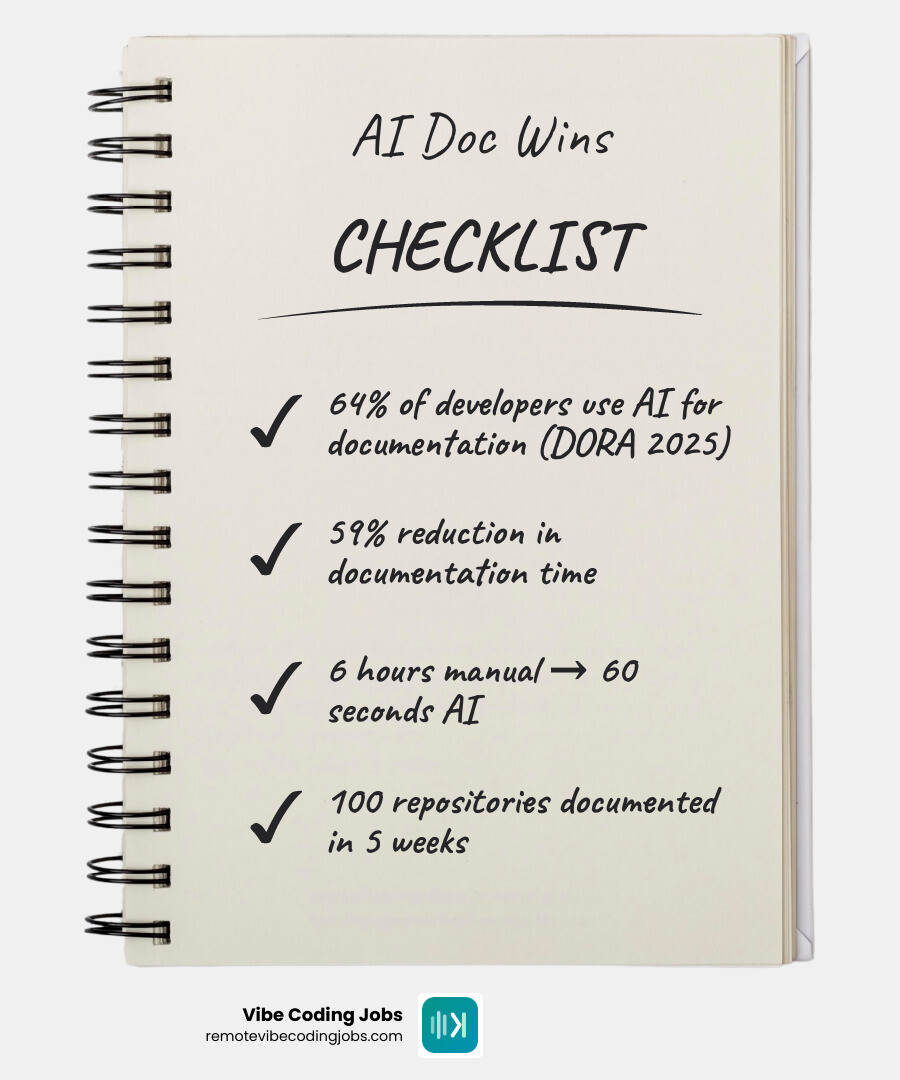
The numbers tell the story clearly. According to Google’s DORA 2025 survey, 64% of software development professionals now use AI for writing documentation. Teams using IBM’s AI coding tools reported cutting documentation time by an average of 59%. And one enterprise team documented over 100 repositories in just five weeks — a task estimated to take six months manually.
That’s not a marginal improvement. That’s a category shift.
This guide was written by the RVCJ Editorial team at Remote Vibe Coding Jobs, who cover AI-assisted development workflows — including tools that AI generate documentation from code — for engineers building with modern AI-first stacks. We’ll walk you through exactly how these tools work, which ones are worth your time, and how to fit them into your existing workflow.
The Evolution of Technical Writing: What is AI-Generated Documentation?
In the “old days” (which, in tech time, was about three years ago), documentation was a manual, static process. You’d write a function, then spend five minutes typing out a JSDoc block that might be outdated by the next pull request. Today, we’ve moved into the era of AI-generated documentation from code.
But how does it actually “understand” what you wrote? It’s not just looking for keywords. Modern AI tools use a combination of Large Language Models (LLMs) and deep code analysis. When you feed code into these systems, they often perform a semantic analysis by looking at the Abstract Syntax Tree (AST). This allows the AI to understand the relationship between variables, the flow of data, and the intent behind a logic block.
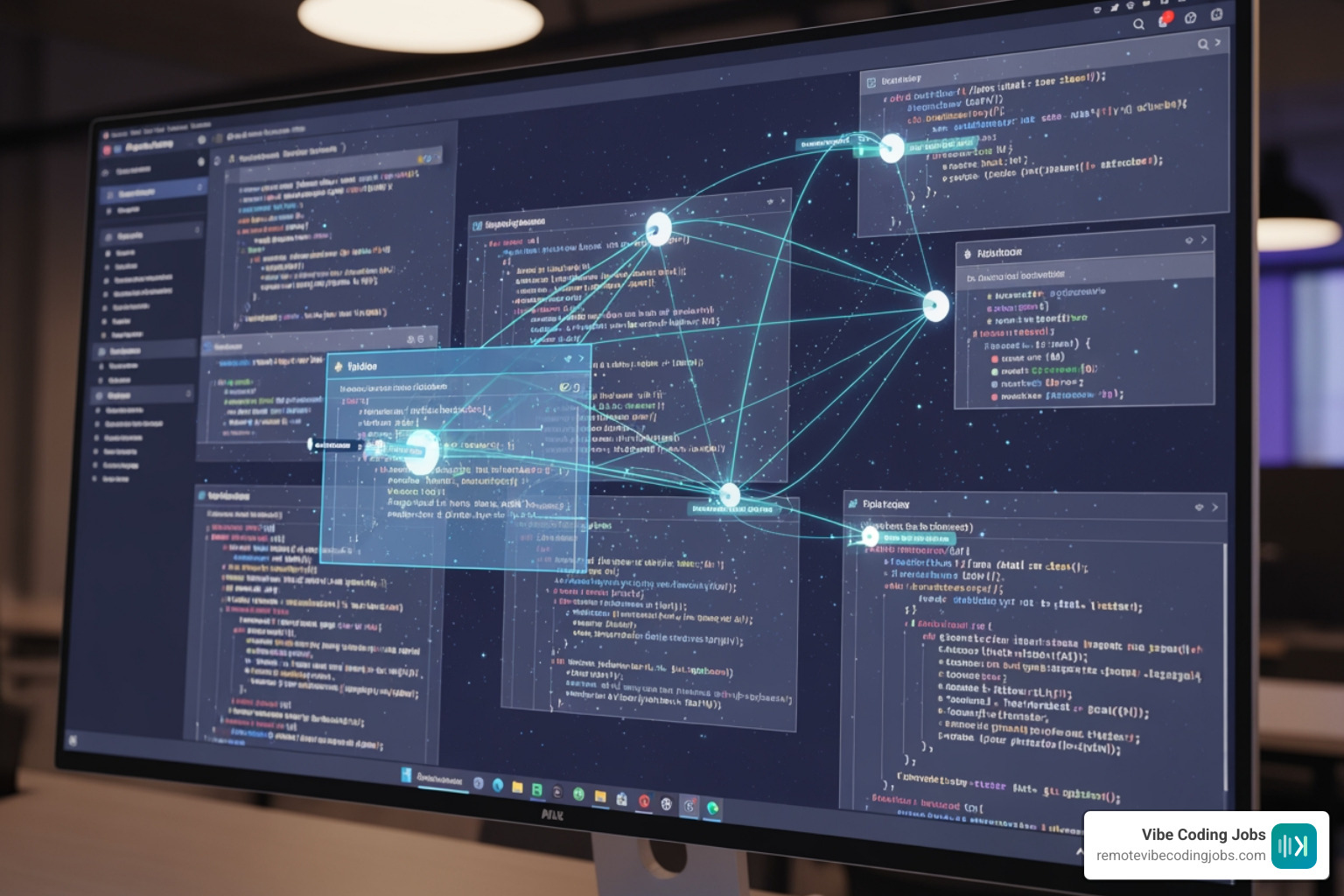
These tools are context-aware. They don’t just see a for loop; they see a for loop that is iterating through a list of user permissions to validate an API request. This level of intelligence is what powers an AI Documentation System That Understands Your Product. It looks beyond the syntax to explain the “why” and the “how” of your entire system architecture.
Major Benefits: Why Teams are Automating Documentation in 2026
As of May 2026, the question for most high-performing teams isn’t if they should use AI for docs, but which tool to use. The benefits are simply too large to ignore. Beyond just saving time, these tools are fundamentally changing how teams manage technical debt and knowledge transfer.
Here are the primary reasons we see teams making the switch:
- Massive Time Savings: We’ve seen reports of teams reducing documentation time by 59%. In one instance, a developer summarized nine undocumented JavaScript files (over 1,000 lines each) in about 12 seconds per file. Manually, that would have taken at least three minutes of focused review per file.
- Faster Onboarding: New engineers can onboard up to 85% faster when they have access to automatically generated guides that explain the codebase in plain English.
- Consistency and Standards: AI doesn’t get tired. It follows industry standards (like Javadoc or PEP 8) perfectly every time, ensuring your entire repository looks like it was documented by the same person.
- Eliminating Documentation Rot: By integrating with Git, these tools can update the documentation the moment a PR is merged, ensuring your README never lies to you again.
For a deeper dive into specific platforms, check out our guide on the Best Ai Tools For Code Documentation Streamline Your Workflow.
Comparison: Manual vs. AI Documentation Metrics
| Metric | Manual Documentation | AI-Generated Documentation |
|---|---|---|
| Time per Repository | ~6-8 Hours | ~60 Seconds |
| Accuracy (Context) | High (if kept updated) | High (context-aware) |
| Maintenance Cost | Very High (Human Hours) | Low (API/Subscription) |
| Onboarding Speed | Slow / Dependent on Mentors | 85% Faster (Self-Serve) |
| Scalability | Poor | Unlimited |
How to AI Generate Documentation from Code Across Your Workflow
The true power of AI to generate documentation from code lies in its integration. You shouldn’t have to go to a separate website and paste snippets. The best workflows are invisible.
One of the most effective methods is Repository Sync. Platforms like Auto-Generate Docs from GitHub allow you to install a GitHub App that monitors your repos. Every time you push code, the AI scans the changes and updates your documentation automatically.
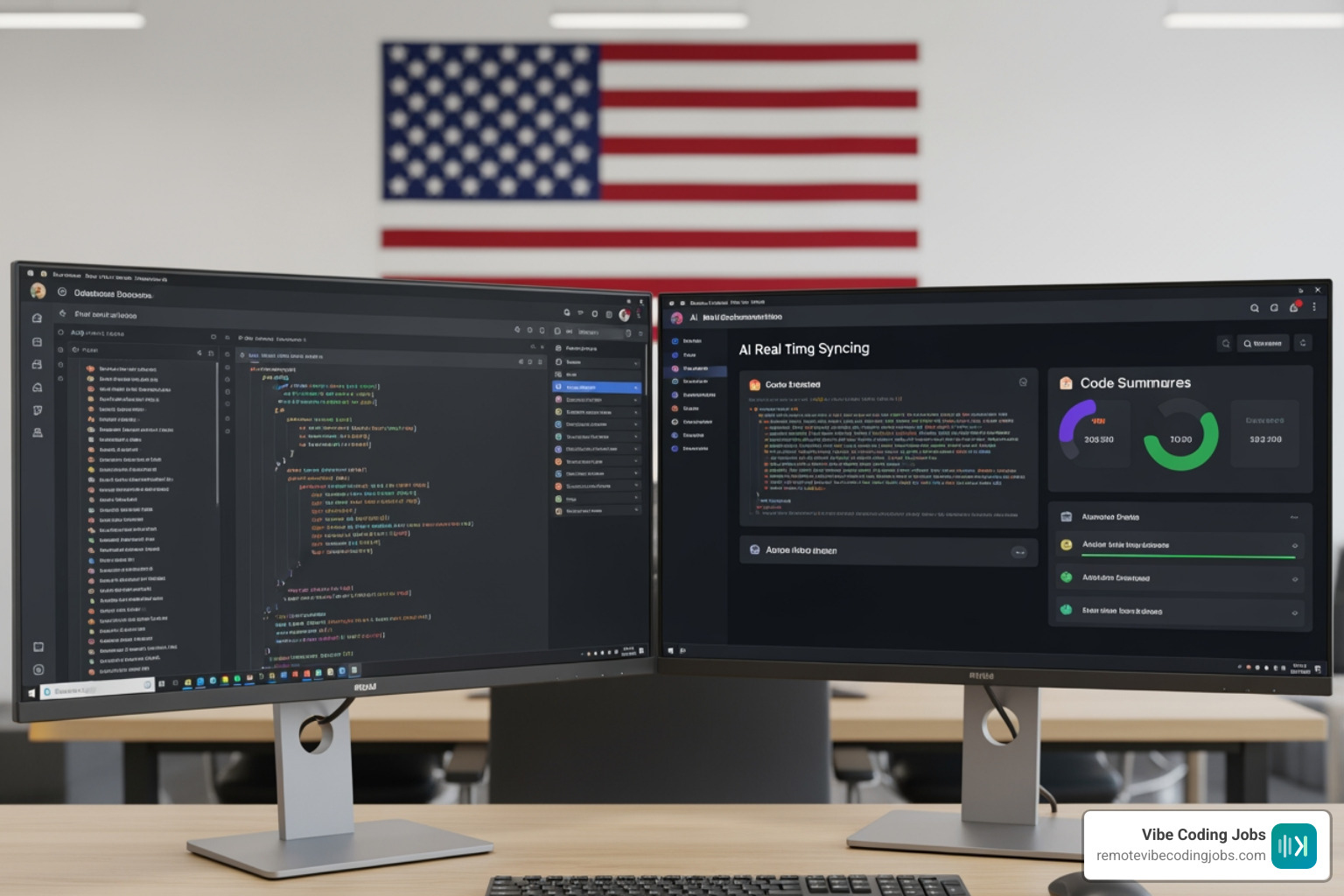
We recommend setting up Git hooks or CI/CD triggers. For example, you can configure a workflow where a Pull Request cannot be merged unless the AI has generated a corresponding summary of the changes. This ensures that your documentation evolves at the same pace as your features.
Integrating AI to Generate Documentation from Code in Your IDE
For the “vibe coding” experience, you want the AI right where you type. Modern IDEs like VS Code and JetBrains (including specialized versions like RustRover) now feature built-in AI assistants.
- Context Menus: Simply highlight a function, right-click, and select “Write Documentation.” The AI will instantly generate a docstring with parameters, return types, and exceptions.
- Real-time Comments: As you write code, tools like CodeGPT or JetBrains AI Assistant can suggest inline comments that explain complex logic as it’s being created.
- Prompt Customization: You can actually “train” your IDE assistant by customizing the prompt library. If your team prefers a specific tone or a custom documentation format, you can save that as a template.
Using AI to Generate Documentation from Code for Legacy Systems
Legacy code is where AI documentation really shines. We’ve all inherited a “spaghetti” codebase with 1,000+ line files and zero comments. AI can act as a bridge, performing dependency mapping and logic explanation for code written years ago.
By dividing legacy codebases into small modules, AI can generate architectural overviews that explain how the old system works in plain English. This is invaluable for modernization projects, such as converting an old Bootstrap site to Tailwind or migrating a monolith to microservices.
Supported Formats: From READMEs to UML Diagrams
Documentation isn’t just text anymore. When you AI generate documentation from code, you can produce a wide variety of assets that help different stakeholders:
- Standard Formats: Markdown remains the king, but AI also handles JSDoc, Python Docstrings, and Doxygen.
- API Specifications: AI can scan your controllers and routes to generate Swagger/OpenAPI JSON or Postman collections without you ever writing a line of YAML.
- Visual Diagrams: This is the real “magic.” Advanced tools can now generate UML class diagrams and sequence diagrams directly from your source code. Instead of manually drawing boxes in Lucidchart, the AI analyzes the logic and renders a visual representation of how data flows through your system.
Ensuring Security and Accuracy in AI-Generated Docs
We know what you’re thinking: “Is my code safe?” and “Is the documentation actually right?” These are valid concerns.
Security: Most enterprise-grade tools are SOC 2 Type II and ISO 27001 compliant. They use encrypted environments and, crucially, do not use your proprietary code to train their global models. Always check the privacy policy to ensure you can opt-out of data retention.
Accuracy: While AI is incredibly smart, it can still “hallucinate” or miss specific business logic “whys.” We recommend a human-in-the-loop approach. Use the AI to generate the first 90% of the documentation — the “what” and the “how” — and then have a senior developer spend two minutes adding the “why” (the architectural decisions that code alone can’t explain).
Frequently Asked Questions about AI Code Documentation
How accurate is AI-generated documentation compared to human writing?
AI is exceptionally accurate at describing what the code does (syntax and logic). In many cases, it produces more professional and standardized documentation than a rushed developer. However, it may miss the historical context or the “why” behind a specific design choice. It is best used as a high-quality first draft.
Which programming languages do AI documentation generators support?
Most modern tools are polyglot. They support 40+ languages, including Python, JavaScript, TypeScript, Java, C++, Go, Rust, PHP, and Ruby. Some specialized tools can even handle legacy assembly or niche frameworks.
Is my source code safe when using AI documentation services?
If you use reputable providers, yes. Look for “Privacy Mode” or “Enterprise” tiers that guarantee your code is processed in memory and deleted immediately after the documentation is generated. Avoid using free, public LLM chats for sensitive proprietary code.
Conclusion
The era of manual documentation is ending. By letting AI generate documentation from code, you aren’t just saving time; you’re building a more resilient, transparent, and scalable engineering culture.
At Remote Vibe Coding Jobs, we believe that mastering these AI-assisted workflows is the key to landing the best roles at async-first, forward-thinking companies. If you’re a “vibe coder” who prefers shipping features over writing manual comments, you’re exactly who these companies are looking for.
Ready to take your career to the next level? Explore our curated listings and learn more about Remote Vibe Coding Jobs to find your next high-impact role in the AI-driven tech landscape. Stop documenting like it’s 2015 and start building for the future.