
Vibe Code AI: Which Tool Actually Delivers on the Hype?
Defining the Vibe Code Tool: Evolution of Development
#
Choosing the right vibe code tool can mean the difference between shipping a working app in an afternoon and spending days wrestling with prompts that go nowhere. Here’s a quick look at the top options right now:
| Tool | Best For | Pricing Model |
|---|---|---|
| Cursor | Full-stack developers | Subscription |
| Windsurf | IDE power users | Subscription |
| Claude Code | API-first workflows | API usage |
| Lovable | Web app generation | Subscription |
| Cline | Open-source CLI fans | Free / API |
| Replit Agent | Non-technical founders | Subscription |
| Vibecode | Mobile & web apps | Subscription |
In early 2025, Andrej Karpathy — former AI Director at Tesla — put a name to something many developers were already doing. He called it vibe coding: describing what you want in plain language and letting an AI handle the implementation while you stay focused on the bigger picture.
The idea caught fire fast. Search interest in vibe coding jumped 6,700% in Q2 2025 alone. Today, 41% of all new code is written by AI, and 25% of Y Combinator AI startup founders report that over 95% of their codebase is AI-generated.
But with dozens of tools now claiming to be the best way to build with AI, the real question isn’t whether to use one — it’s which one is actually worth your time.
That’s exactly what this guide breaks down.
We — the RVCJ Editorial team at Remote Vibe Coding Jobs — cover AI-assisted development tools daily, tracking how developers use every major vibe code tool to land remote roles and ship real products faster. Our experience spans the full spectrum, from open-source CLI tools to enterprise-grade AI IDEs, so you can trust these picks are grounded in how these tools actually perform in the wild.
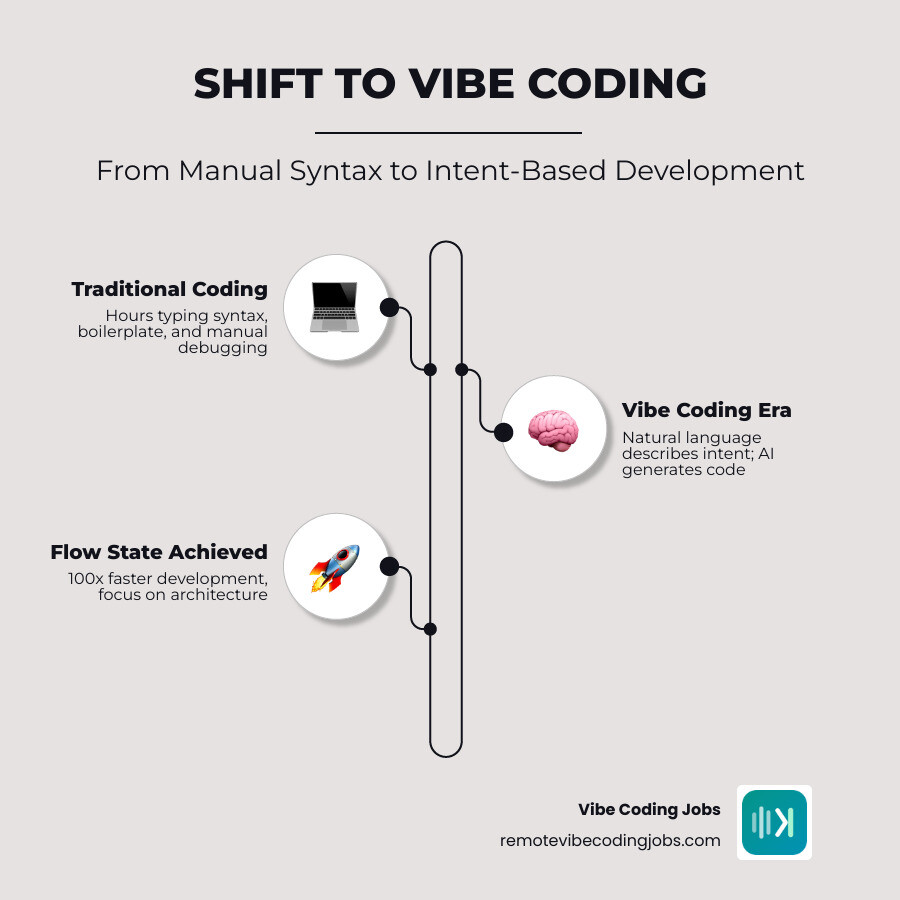
A vibe code tool is software that turns natural-language intent into working code, edits, tests, and sometimes deployment steps. Instead of manually typing every function, import, schema, and UI component, we describe the outcome we want and let the model do most of the mechanical work.
That is the core idea behind vibe coding. If you want a deeper primer, What is Vibe Coding? | The Future of AI-Assisted Development gives a useful high-level explanation, and our own guide to Vibe Coding GitHub Copilot shows how this shift is changing everyday developer workflows.
The big change is not just “AI writes code.” It is that development moves from syntax-first to intent-first:
- We state the goal in plain English
- The tool analyzes the codebase
- It proposes or applies changes across files
- We review, test, and steer the next iteration
That sounds simple, but it changes who can build software and how fast teams can move. It also explains why non-technical founders are experimenting so aggressively: 44% now use AI coding tools to build prototypes.
How a Vibe Code Tool Differs from Traditional IDEs
Traditional programming starts with implementation details. We open the IDE, create files, define functions, wire dependencies, and debug syntax line by line.
A vibe code tool flips that around.
Instead of saying, “Let me write a reducer and then connect state to this component,” we say, “Add filtering, saved views, and a responsive dashboard.” The AI handles the boilerplate and often most of the plumbing too.
The main differences look like this:
| Traditional IDE | Vibe code tool |
|---|---|
| Syntax-first | Intent-first |
| Manual file-by-file edits | Multi-file AI changes |
| Boilerplate-heavy | Boilerplate-light |
| Slower prototyping | Faster prototyping |
| Human writes most code | Human directs, AI drafts |
This is why some users describe vibe coding as feeling 10x faster, and in narrow cases even much more than that. The promise is not magic. It is reduced context switching. Less time writing repetitive glue code means more time thinking about product logic, UX, and architecture.
For comparison shopping, our Cursor vs Copilot and Best AI Tools for Coding guides break down where these gains are real and where marketing gets a little too caffeinated.
The Rise of the Vibe Coder and Systems Engineer
As AI writes more implementation, two roles are becoming more visible:
- Vibe coder
- Systems engineer
The vibe coder is usually focused on speed, product iteration, and natural-language direction. They are great at prompting, shaping features, and rapidly testing ideas.
The systems engineer is the counterweight. They care about reliability, maintainability, security, observability, and scale. In many teams, these roles overlap. In others, they are splitting apart.
That shift makes sense when 25% of Y Combinator AI startup founders say more than 95% of their code is AI-generated. Someone still has to decide:
- What should exist
- How the system should be structured
- What gets tested
- What should never ship without human review
That is also why vibe coding is not the same as “not knowing code.” It can lower the barrier to entry, but at production level it raises the premium on judgment. The code may be cheaper to generate. Good decisions are not.
For another angle on the term itself and its cultural shift, see Vibe Coding.
Top Vibe Coding Tools for 2026
The market is crowded, but most tools fit into four categories:
- AI IDEs and editor forks
- IDE extensions and plugins
- CLI and API agent tools
- Browser-based app builders
Here is how the major names stack up in practice.
Best Vibe Code Tool for Full-Stack Web Apps
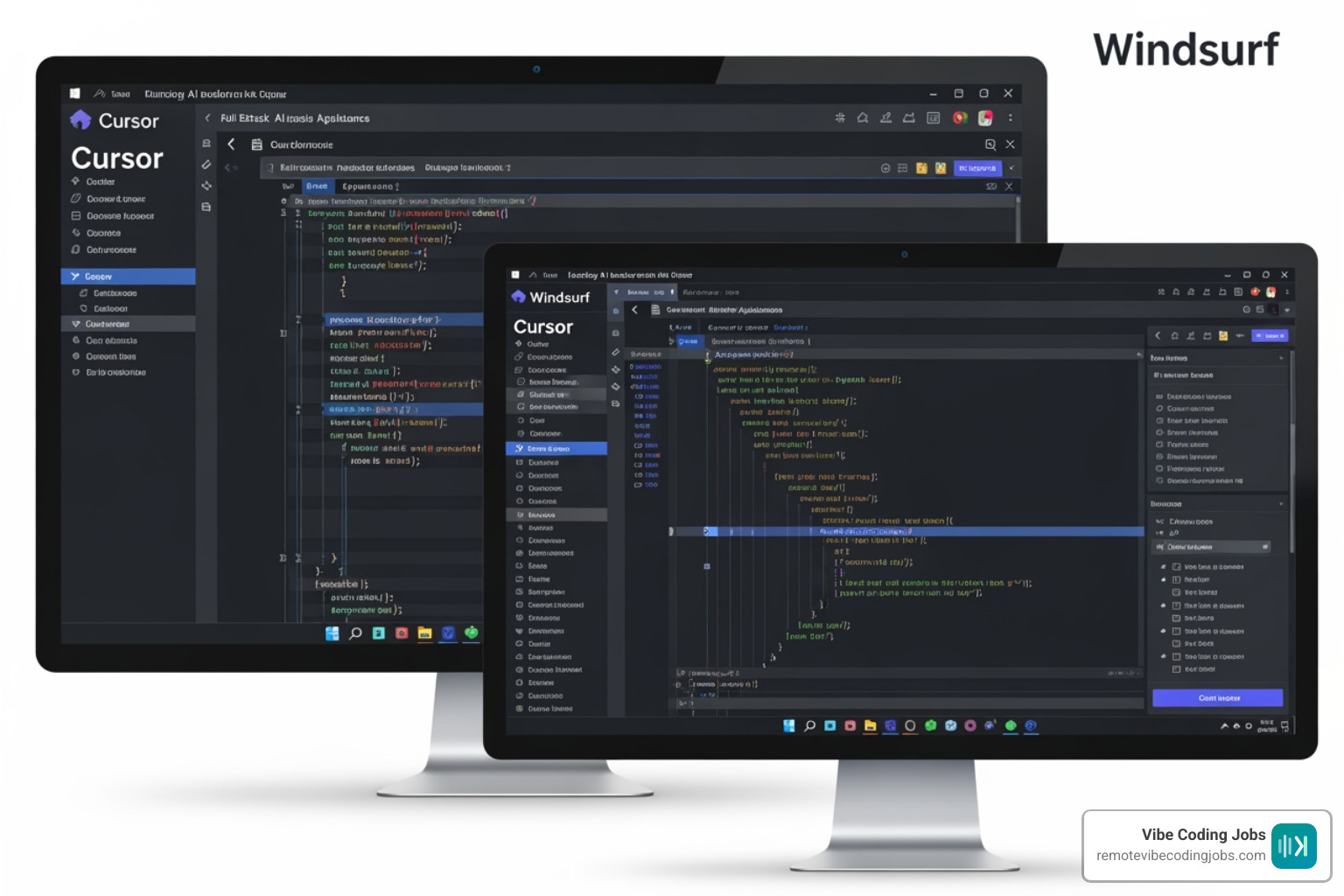
If our goal is building full-stack apps inside a familiar coding environment, Cursor still sits near the top of the list. It is strong at codebase-aware edits, agentic changes, and fast iteration for developers who already know their stack. It is one of the most-used options, and together Cursor and Windsurf reportedly have around 1.8 million users.
Windsurf is also a strong choice for developers who want a polished AI-native editor experience. It tends to appeal to users who want more end-to-end assistance inside the IDE itself rather than stitching together separate tools.
For direct comparisons, see our Cursor AI Tools directory and Cursor vs Windsurf for Developers in 2026.
If we care more about generating a web app from prompts than managing every code detail, Lovable and Vibecode stand out.
Lovable is generally easier for product-minded builders who want to go from idea to visual web app quickly. Its strength is speed and a lower-friction onboarding experience.
Vibecode – AI Mobile & Web App Builder pushes the same promise even further toward app generation. Based on available product material, it is designed for mobile apps, web apps, websites, automations, designs, research reports, and even slides. In other words, it is less “developer workstation” and more “describe the thing and watch it appear.”
That makes Vibecode especially appealing for:
- Founders validating ideas
- Marketers building internal tools
- Teams making MVPs fast
- Users who want deployment-ready UI without much setup
For a broader shortlist, our Must-Have AI Tools for Vibe Coding article is a good next stop.
Open Source and CLI Vibe Code Tool Options
Not everyone wants a subscription editor.
If we prefer flexibility, transparency, and the ability to bring our own model, open-source and CLI tools are often better value.
Cline is one of the most practical examples. It is popular with developers who want agent-style coding help inside their editor while keeping more control over model choice and API spending. Its strengths are flexibility and openness. Its weaknesses are that it can require more setup and more supervision.
RooCode and similar tools also appeal to power users who are comfortable managing prompts, API keys, and execution flow themselves.
Another useful category is lightweight extensions and experimental tools such as VibeCode Labs | VibeCode — AI-Powered VS Code Extension and specialized systems like Vibe Forge – Anthropic Vibe Coding Tool | Vibe Coders AI Architect. These tools reflect a broader trend: vibe coding is no longer one product category. It is becoming a layer that can sit inside editors, terminals, and workflow software.
If open source matters to you, Vibe Coding Tools is worth bookmarking.
As for independent testing, the tools that usually score highest are the ones that combine three things well:
- Strong codebase context awareness
- Reliable multi-file edits
- Low-friction iteration loops
That is why Cursor, Claude Code, Cline, and Lovable keep appearing in serious evaluations. They solve different jobs, but each is strong in one lane.
The Vibe Coding Workflow: From Ideation to Production
A solid vibe coding workflow usually looks like this:
- Ideation
- Generation
- Iteration
- Testing
- Deployment
- Monitoring and cleanup
At the ideation stage, we define the feature or product in plain language. This is where good prompting matters most. Vague input creates vague output. “Build a CRM” is too broad. “Build a small CRM for freelancers with contacts, reminders, tags, and weekly summary email” is much better.
Then comes generation. The tool creates files, components, routes, migrations, and business logic. Good tools also explain what they changed.
Next is iteration. This is the real heart of vibe coding. We prompt, review, refine, and regenerate. Think less “one-shot genius prompt” and more “collaboration with a very fast intern who never sleeps and occasionally hallucinates package names.”
Testing is where mature teams pull ahead. If your workflow stops at “it runs on localhost,” you are not vibe coding well. You are speedrunning future regret. We recommend adding:
- Unit tests for logic-heavy features
- Basic integration tests
- Linting and type checks
- Human review for auth, billing, and security-sensitive code
For workflow organization, tools inspired by visual planning systems such as Vibe Kanban | Mission, Team & Open Source show how teams are pairing AI generation with task tracking and rapid iteration.
Deployment is the final handoff. Some browser-based builders handle this for you. IDE-based tools usually leave deployment in your standard stack. Our Best GitHub Copilot for Remote Developers in 2026 guide also covers where deployment support becomes a deciding factor.
Managing Costs: API-Based vs. Subscription Models
One of the most practical buying questions is cost.
Subscription-based tools are predictable. We pay a monthly fee and get a set amount of usage, features, or model access. This is easier for budgeting and usually better for beginners.
API-based tools are more flexible. We pay for what we use, often by token or request volume. This can be cheaper for light users and much more expensive for heavy users.
Here is the simple tradeoff:
| Model | Pros | Cons | Best For |
|---|---|---|---|
| Subscription | Predictable billing, easy onboarding | Less flexible, may have caps | Beginners, teams, daily IDE use |
| API usage | Model choice, fine control, sometimes cheaper | Variable cost, setup overhead | Power users, automation, CLI workflows |
Claude Code is the classic API-first example in this roundup. If we are comfortable managing usage and want deep flexibility, it is excellent. If we just want a polished editor experience with fewer knobs, a subscription tool like Cursor or Lovable may be easier.
For more on this tradeoff, see Claude Code vs Copilot for Developers in 2026 and our Copilot Tools page.
Accuracy and Limitations of the Vibe Code Tool
This is where the hype needs a seatbelt.
The biggest limitations across tools are:
- Incorrect assumptions about your codebase
- Broken imports or outdated package usage
- Weak error handling
- Security mistakes
- Excessive abstraction
- Quiet technical debt
The trust gap is real. In the 2025 Stack Overflow survey, 72% of developers said they did not use vibe coding in their workflow, and only 2.7% of professional developers said they highly trust AI tools to write good code.
That does not mean the tools are useless. It means human review is still mandatory.
AI code detectors add another wrinkle. Vibe Code Detector is part of a growing category that tries to identify whether code was AI-generated. These tools can sometimes spot repetitive style patterns or common LLM fingerprints, but they are not reliable enough to serve as proof on their own. With enough edits, AI-written code often becomes indistinguishable from human-assisted code. Detection is probabilistic, not definitive.
Here is a practical comparison of what buyers usually care about:
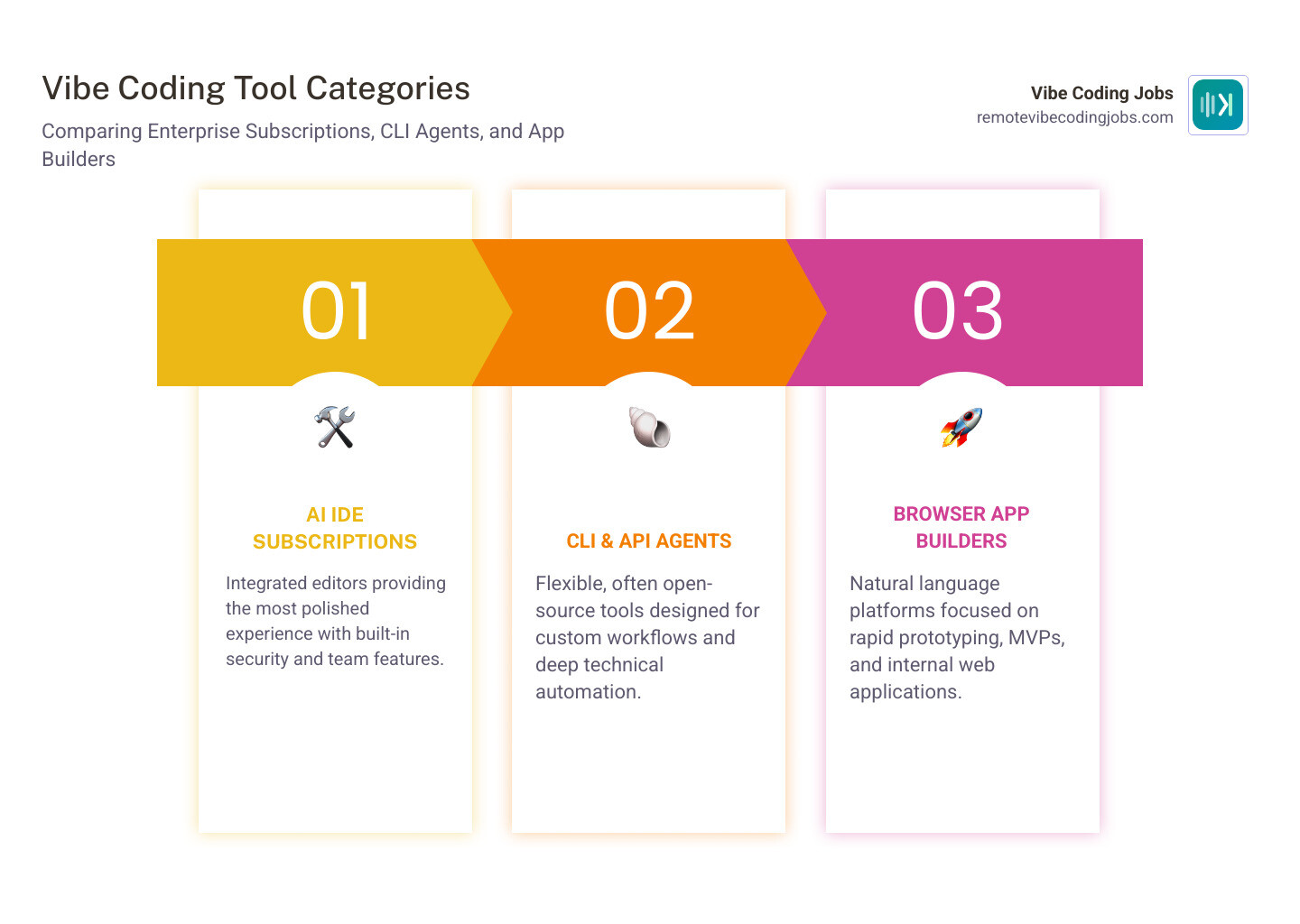
| Tool Type | Free Tier | Open Source | Security Controls | Team Features | Best Use Case |
|---|---|---|---|---|---|
| AI IDE subscriptions | Sometimes limited | No | Usually stronger | Usually good | Daily professional development |
| CLI/API agents | Depends on model cost | Often yes | Depends on setup | Lightweight | Custom workflows and automation |
| Browser app builders | Often trial-based | No | Varies widely | Basic to moderate | MVPs and internal tools |
| VS Code extensions | Often yes | Sometimes | Mixed | Mixed | Low-cost experimentation |
Frequently Asked Questions about Vibe Coding
Is vibe coding suitable for production software?
Yes, but not by default.
Vibe coding is absolutely suitable for production software when experienced humans review architecture, security, testing, and deployment. It is also excellent for prototyping, where speed matters more than elegance.
The difference is process.
For prototypes, we can tolerate rough edges:
- Messy abstractions
- Limited tests
- Some manual fixes later
For production, we need:
- Security review
- Compliance checks where relevant
- Logging and monitoring
- Clear ownership of generated code
- Documentation and maintainability
The newest platforms are inching closer to production readiness. Vibe Coding | Google AI Studio is part of that broader movement toward AI-assisted app creation and deployment. But “production-ready” should never mean “review-free.”
Which vibe coding tool is best for non-technical founders?
For non-technical founders, the best choice is usually the tool with the lowest setup friction and the clearest natural-language workflow.
That often means:
- Vibecode
- Lovable
- Replit Agent
These tools let founders describe what they want, generate a usable UI fast, and iterate without managing an entire local development environment. Vibecode is especially broad in what it claims to support, including mobile apps, web apps, websites, automations, designs, slides, and research deliverables.
That said, founders should still know the limits:
- Generated apps may need cleanup
- Integrations can break
- Security and data modeling still matter
- Vendor lock-in can become painful later
Community discussions like What’s your go-to vibe coding tool and suggest the best? : r/vibecoding also show a pattern: beginners prefer convenience, while experienced developers often trade convenience for control.
How do I transition from a traditional developer to a vibe coder?
The best transition is not to stop being a developer. It is to become a better editor, reviewer, and systems thinker.
We recommend this progression:
- Start with one feature, not a whole app
- Prompt the AI with clear constraints
- Review every generated change
- Ask it to explain decisions
- Add tests before accepting major edits
- Learn when to stop regenerating and fix things yourself
In practice, good vibe coders get better at:
- Writing precise specs
- Spotting subtle bugs
- Managing context windows
- Preserving architecture over many iterations
- Knowing which tasks should stay manual
Our Cursor vs Copilot vs Claude comparison is a good place to understand which tool fits your skill level.
A final tip: do not confuse speed with mastery. The fastest prompt is not always the best path. Sometimes five careful sentences beat a 700-word wall of “please make it modern and scalable and also magical.”
Conclusion
Vibe coding is not a fad anymore. It is a new layer in software development, and by 2026 the winning tools are clearly separating into different jobs:
- Cursor and Windsurf for AI-native IDE workflows
- Claude Code and Cline for flexible API and CLI control
- Lovable, Replit Agent, and Vibecode for fast app generation
If we had to simplify the market into one sentence, it would be this: the best vibe code tool is the one that matches your workflow, not the one with the loudest landing page.
For beginners, browser-based builders and guided agents are usually the safest bet. For experienced developers, IDE-native and API-driven tools offer more control and better long-term flexibility. For teams, security, collaboration, and maintainability matter more than raw generation speed.
And the future? Expect more specialization, stronger enterprise controls, better multi-step agents, and more job roles built around AI-assisted development. The rise of the vibe coder is real, but so is the need for systems thinkers who can keep the whole machine from turning into beautifully generated spaghetti.
If you want to build with these tools professionally, keep an eye on where the market is headed. We track that every day at Remote Vibe Coding Jobs, where we curate remote AI-assisted development roles by culture, stack, and tools like Cursor and Claude. If you are learning the tools that matter, you may as well find the jobs that already expect them.