Vibe Coding AI Tools Comparison: Which One Actually Builds the App?
Why Choosing the Best Vibe Coding Tool Changes Everything in 2026
The best vibe coding tool depends on your workflow — but here’s a quick answer for most developers:
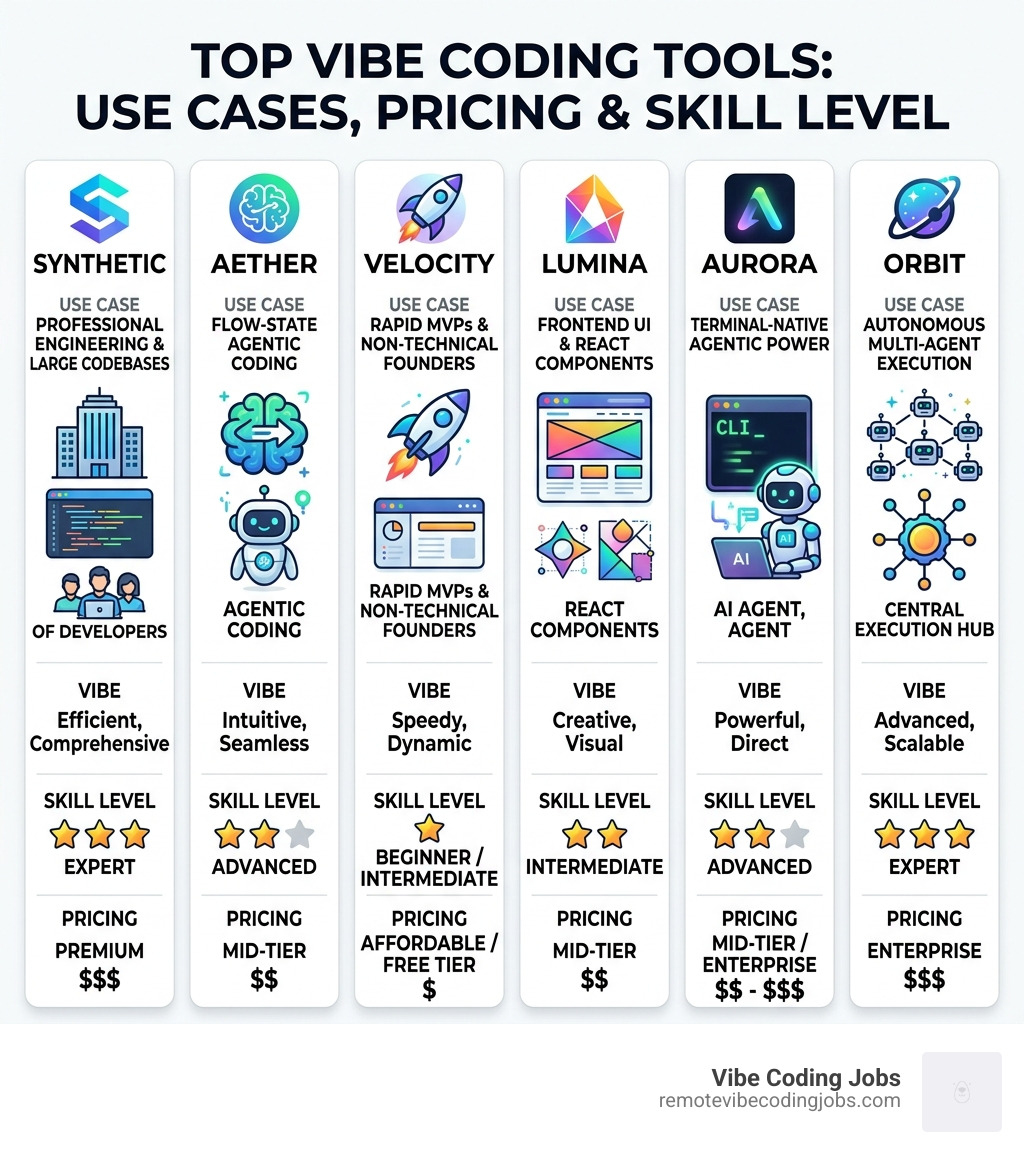
| Use Case | Best Tool |
|---|---|
| Professional engineers / large codebases | Cursor |
| Flow-state agentic coding | Windsurf |
| Rapid MVPs, non-technical founders | Lovable or Bolt |
| Frontend UI / React components | v0 by Vercel |
| Terminal-native agentic power | Claude Code |
| Lightweight native macOS IDE | Vibe Mode |
| Autonomous multi-agent execution | Antigravity |
Not long ago, writing software meant memorizing syntax, fighting boilerplate, and spending 70% of your time on repetitive tasks. Today, you describe what you want in plain English — and an AI builds it.
That shift has a name: vibe coding.
And it’s moving fast. Over two-thirds of developers now use prompts to generate code. The no-code and AI-assisted development market is projected to hit $187 billion by 2030. Citizen developers are on track to outnumber professional developers four to one.
The problem? There are now dozens of tools claiming to be the best. Cursor. Windsurf. Claude Code. Lovable. Bolt. v0. Antigravity. Replit. Each one built for a different kind of builder.
Picking the wrong tool doesn’t just slow you down — it can wreck your whole workflow.
RVCJ Editorial is the content team at Remote Vibe Coding Jobs, covering AI-assisted development tools, async-first engineering workflows, and remote developer careers — with hands-on experience evaluating the best vibe coding tool options across IDE editors, browser-based builders, and autonomous agents. We’ve dug into the real-world performance, pricing, and trade-offs of each tool so you can match the right one to your stack, skill level, and project goals.
The Evolution of Vibe Coding in 2026
By May 2026, the term “coding” has undergone a radical transformation. We no longer talk about “coding” as a manual labor of syntax; instead, we talk about vibe coding. This transition from manual syntax to intent-based programming means that the developer’s primary job is to maintain the “vibe”—the high-level logic, architectural intent, and user experience—while the AI handles the heavy lifting of implementation.
Recent data shows that 68% of developers now use natural language prompts to generate code. This isn’t just a trend for hobbyists. We are seeing a massive shift where vibe coding tools are becoming the standard in professional environments. With the no-code and AI-assisted market expected to generate $187 billion by 2030, the barrier to entry has vanished.
The rise of the “citizen developer” is the biggest story of 2026. Experts project that non-technical builders will soon outnumber professional engineers 4 to 1. Why? Because tools can now automate up to 80% of repetitive tasks, allowing anyone with a clear idea to ship a product. If you want to stay ahead, checking out our guide on the Best AI Coding Tools 2026 is the first step toward mastering this new workflow.
Top-Rated IDEs: Finding the Best Vibe Coding Tool for Engineers
For those of us who live in our code editors, the “vibe” happens inside the IDE. Most of the top contenders today are forks of VS Code, meaning you keep your favorite extensions while gaining “agentic” superpowers. These tools don’t just suggest the next line of code; they understand your entire codebase.
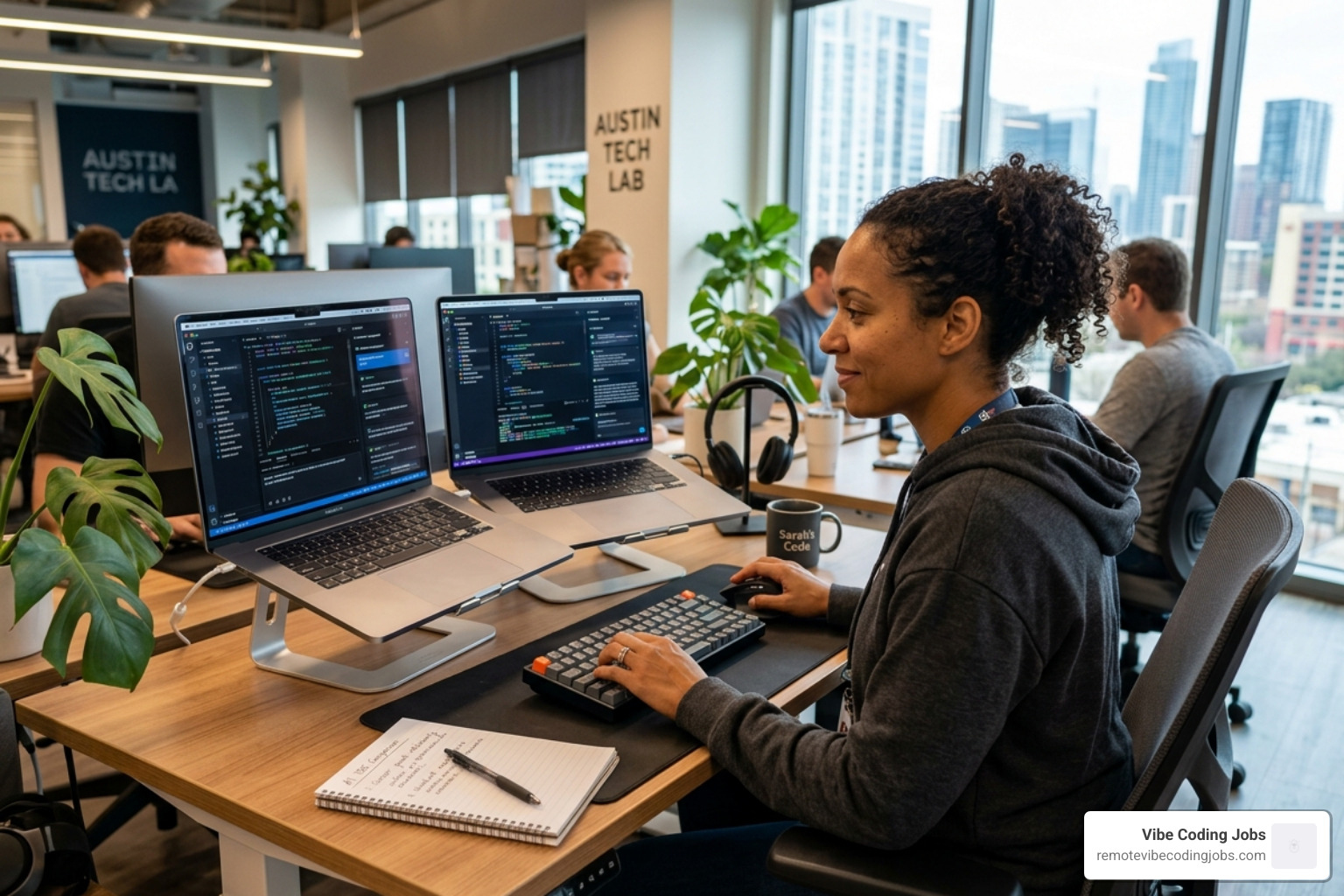
When we look at the Cursor vs Windsurf debate, it usually comes down to how you prefer to interact with your AI agent. Both use advanced codebase indexing and semantic search to ensure the AI isn’t just guessing, but actually “reading” your project. Whether you’re a fan of Vibe Coder Tools: Copilot, Cursor or newer agentic models, the goal is the same: stay in the flow.
Cursor: The Best Vibe Coding Tool for Professional Workflows
Cursor remains the heavyweight champion for professional engineers. With over 7 million developers and adoption by over half of the Fortune 500, it has become the industry standard. Its growth within companies like Stripe—where usage spread like wildfire from a few enthusiasts to thousands of employees—proves its reliability.
What makes Cursor the best vibe coding tool for pros?
- Tab Autocomplete: A specialized model that predicts multi-line edits with eerie precision.
- Cmd-K & Composer: Inline edits and multi-file generations that feel like you’re pair-programming with a senior dev.
- .cursorrules: You can define project-specific instructions, ensuring the AI follows your team’s unique style.
- Security: With SOC 2 certification and a robust Privacy Mode, it’s safe for enterprise-scale codebases.
Windsurf: Flow-State Mastery and Agentic Memory
If Cursor is the reliable powerhouse, Windsurf is the “rocket booster” for flow-state coding. Built by the team at Codium, Windsurf introduces the Cascade engine, which acts as an agent with a memory. It doesn’t just forget what you talked about five minutes ago; it retains context across sessions.
Key features that make us love Windsurf include:
- Turbo Mode: Automatically executes terminal commands (like running tests or linters) so you don’t have to switch contexts.
- MCP Support: One-click integration with tools like Figma, Slack, and Postgres via curated servers.
- Multi-Model Routing: It intelligently picks the best model (Claude 4, GPT-5.4, etc.) for the specific task at hand. For a deeper look at how it feels to use, check out our Tools Vibe Check.
Rapid Prototyping: Building MVPs with Natural Language
Not everyone needs a full IDE. Sometimes, you just want to see an idea come to life in a browser tab. This is where “prompt-to-app” builders shine. These tools are perfect for non-technical founders or developers who need to ship a landing page or a simple CRUD app in minutes rather than days.
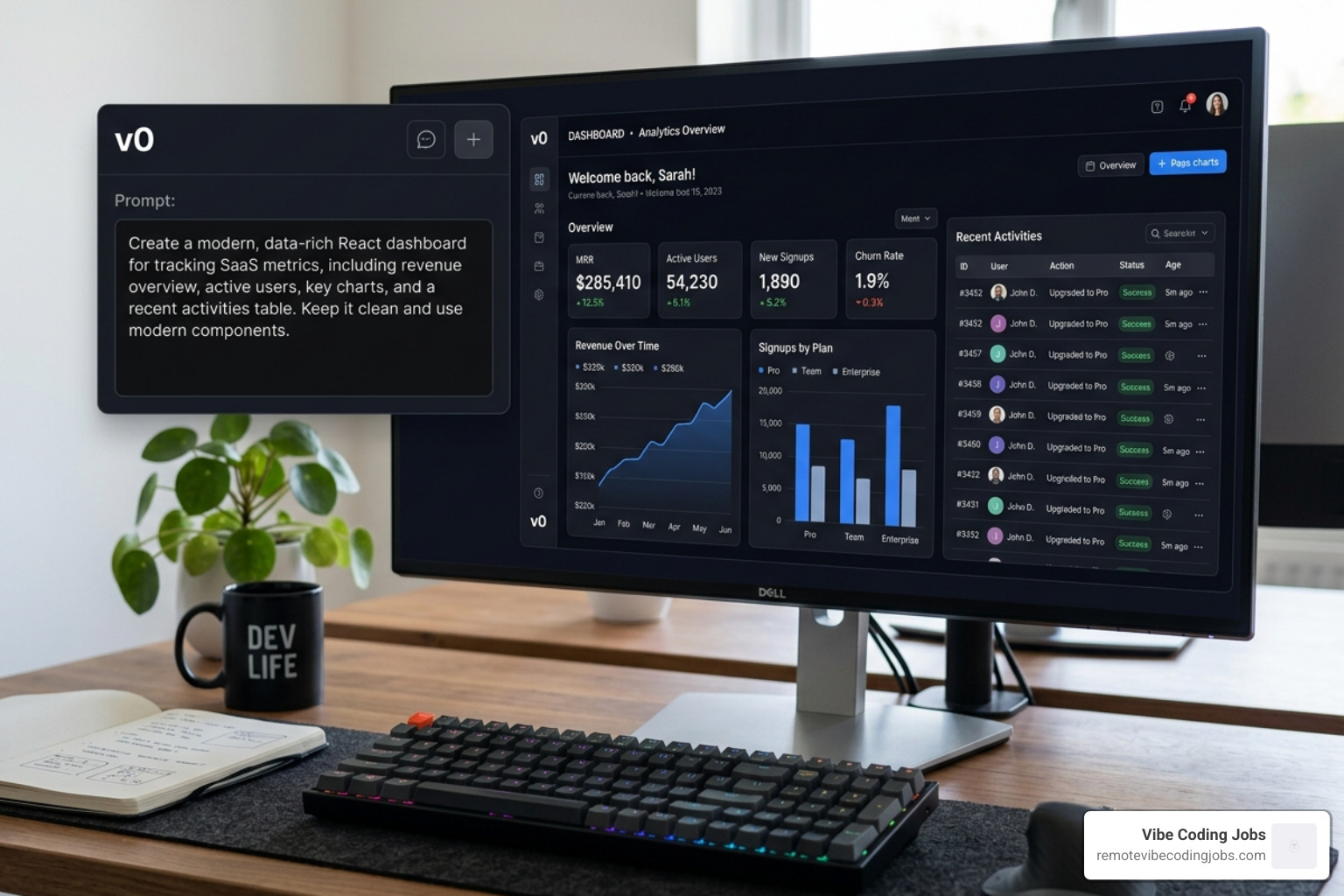
Tools like v0 by Vercel have revolutionized the frontend. By combining natural language with the shadcn/ui ecosystem, you can generate production-ready React components that look hand-crafted.
Lovable and Bolt: The Best Vibe Coding Tool for Rapid MVPs
When we ask the community, “What’s the current best and simplest vibe coding stack?“, the names Lovable and Bolt top the list.
Lovable is the darling of non-technical builders. It prioritizes visual editing and comes with built-in integrations for auth and payments (via Supabase). It’s the closest thing to “magic” for someone with zero coding experience.
Bolt, on the other hand, offers more framework flexibility. It’s a favorite for developers who want to scaffold a full-stack app and then immediately export the code to a local environment. Both tools handle the deployment for you, meaning your MVP is live the second the AI finishes writing the code.
Replit Agent and v0: Backend Power vs Frontend Speed
Replit Agent has become the go-to for backend-heavy projects, especially those involving Python. It sets up the database, handles the cloud hosting, and manages the environment automatically. It’s like having a DevOps engineer in your pocket.
Meanwhile, v0 is the king of the “frontend vibe.” Its Design Mode allows you to visually tweak what the AI generates. If the button is the wrong shade of blue, you just tell it—or change it yourself—and the code updates instantly. This integration into the Vercel ecosystem makes it the fastest way to go from “vibe” to “production.”
Performance Benchmarks: Speed, Context, and Autonomy
In 2026, we don’t just judge tools by their UI; we judge them by their “brains” and their “speed.” The best vibe coding tool needs to handle massive amounts of data without losing the plot.
| Feature | Cursor | Windsurf | Antigravity | Vibe Mode |
|---|---|---|---|---|
| Context Window | 500k+ tokens | 1M tokens | 1M+ tokens | Infinite (Samsara) |
| SWE-bench Score | High | High | 76.2% | N/A |
| Download Size | 1GB+ | 1GB+ | 1GB+ | 100MB |
| Primary Model | Claude/GPT | Multi-Router | Agent-First | Local/Cloud |
Native Speed vs Cloud Autonomy
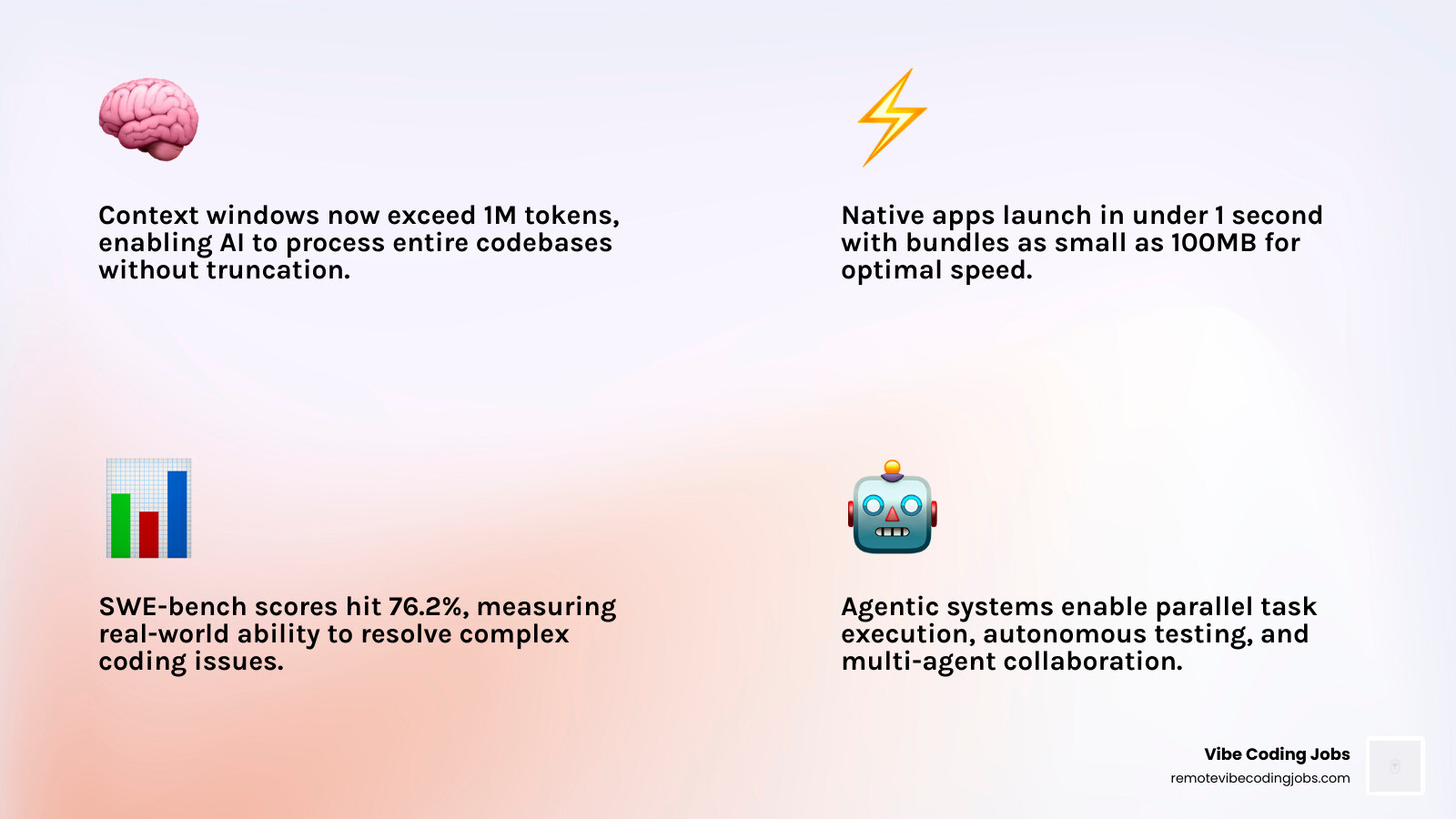
A new challenger, Vibe Mode, has taken the macOS community by storm. While Cursor and Windsurf are built on Electron (which can be memory-heavy), Vibe Mode is a native app. It’s only 100MB and starts in under a second. It uses a custom engine called Samsara to provide infinite context—meaning it remembers a weird utility function you wrote six months ago as if you wrote it this morning.
On the other end of the spectrum is Antigravity. It isn’t just an “assistant”—it’s an “agent-first” platform. With a 76.2% score on SWE-bench (a benchmark for resolving real-world code issues), Antigravity agents can work in parallel. You can use the Manager View to delegate tasks to multiple agents and watch them build, test, and demo features autonomously.
Mobile Vibe Coding and Remote Workflows
Can you really build an app on your phone? In 2026, the answer is yes. Btelo Coding allows you to vibe code from anywhere—the beach, a doctor’s office, or your morning commute.
It isn’t just a remote desktop; it’s a mobile-first interface that executes real shell commands on your dev machine via an AI CLI. With voice input and automatic NAT traversal, you can fix a production bug from your iPhone without ever opening a laptop. It’s an essential part of the modern Vibe Coder Toolkit Services.
Frequently Asked Questions about Vibe Coding
What is the best vibe coding tool for absolute beginners?
For someone with zero coding experience, Lovable is currently the best choice. It handles the “scary” parts of development—like setting up a database, managing authentication, and deploying to the web—through a simple chat interface. If you can describe your app, Lovable can likely build the first version of it. v0 is also excellent if your primary focus is building a beautiful user interface.
How do pricing models compare between Cursor and Claude Code?
Most vibe coding tools have settled into a “Pro” tier of roughly $20/month.
- Cursor Pro ($20/mo) gives you 500 fast premium requests and unlimited completions.
- Claude Code (Anthropic’s terminal tool) often uses usage-based pricing or a $20/mo “Max” plan, but because it’s terminal-based, you’re paying for the “thinking” time of the model.
- Windsurf offers a competitive Pro tier at $15/mo, often making it the more budget-friendly choice for power users.
Is AI-generated code secure enough for production use?
While the best vibe coding tool options like Cursor are SOC 2 certified, the code itself still needs a human eye. AI-generated code can occasionally include security vulnerabilities or “hallucinated” dependencies. In 2026, the best practice is to use AI for the 80% of repetitive work and then “harden” the code for production. For enterprise teams, tools like Antigravity offer sandboxed environments to ensure that autonomous agents don’t accidentally compromise the local system.
Conclusion
The era of manual syntax is fading, replaced by a world where your “vibe” is your most valuable asset. Whether you are a professional engineer using Cursor to manage a Fortune 500 codebase, a founder using Lovable to ship an MVP in an afternoon, or a native-app purist running Vibe Mode on a MacBook, the right tool is the one that keeps you in flow.
At Remote Vibe Coding Jobs, we see this shift every day. Companies are no longer just looking for “coders”—they are looking for “vibe coders” who can leverage these AI tools to ship faster and smarter. The future of software isn’t just about writing lines of code; it’s about orchestrating intelligence.
Ready to find your next role in this AI-driven world? More info about vibe coding jobs is just a click away. Let’s build something incredible together.